Computing Workshop
Bill McArthur
Session 4
Topic 1:
A "web site" is a top level web page that is usually specified as a domain name preceded by "www.". For example, you can type "www.rockcreekcomputing.com" into the address line on a browser to reach the materials for this workshop. Note that the "official" name of the web site is
http://www.rockcreekcomputing.com/
You can think of a web site as a folder which contains sub-folders and files. The address of a web page is known as a URL. The address of a web page has a similar appearance to the path name we discussed in Workshop 1. For example: on my Windows laptop, I have a file with path
C:\data\capemaybeachnet\Hawaii2005\cathy8.jpg
This corresponds to the file on the Internet with URL
Note: the portion of the URL after ".net/" IS case-sensitive. If you try any of the following, it will fail to find it
http://www.capemaybeach.net/hawaii2005/cathy8.jpg
http://www.capemaybeach.net/Hawaii2005/Cathy8.jpg
http://www.capemaybeach.net/Hawaii2005/cathy8.JPG
However, the portion of the URL which is the domain name is NOT case-sensitive, so the following URL is VALID:
Topic 2:
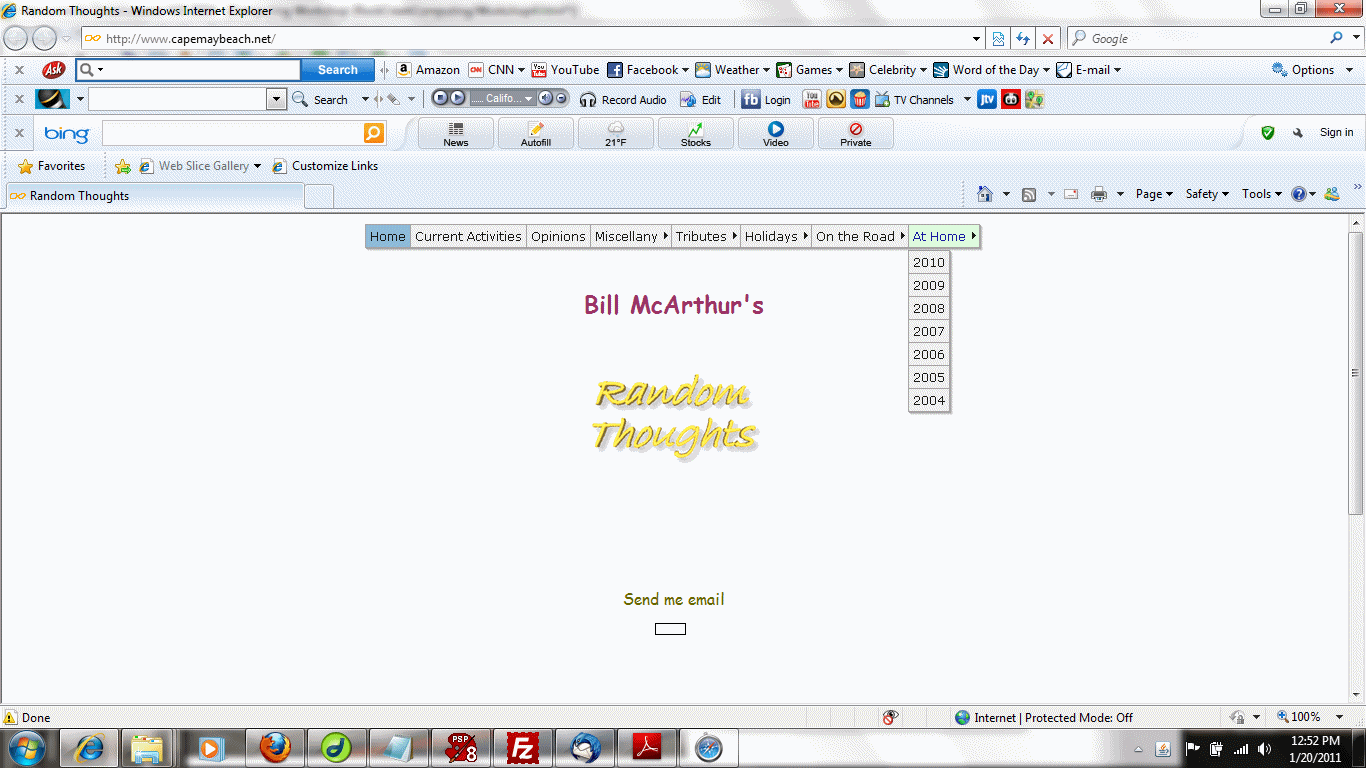
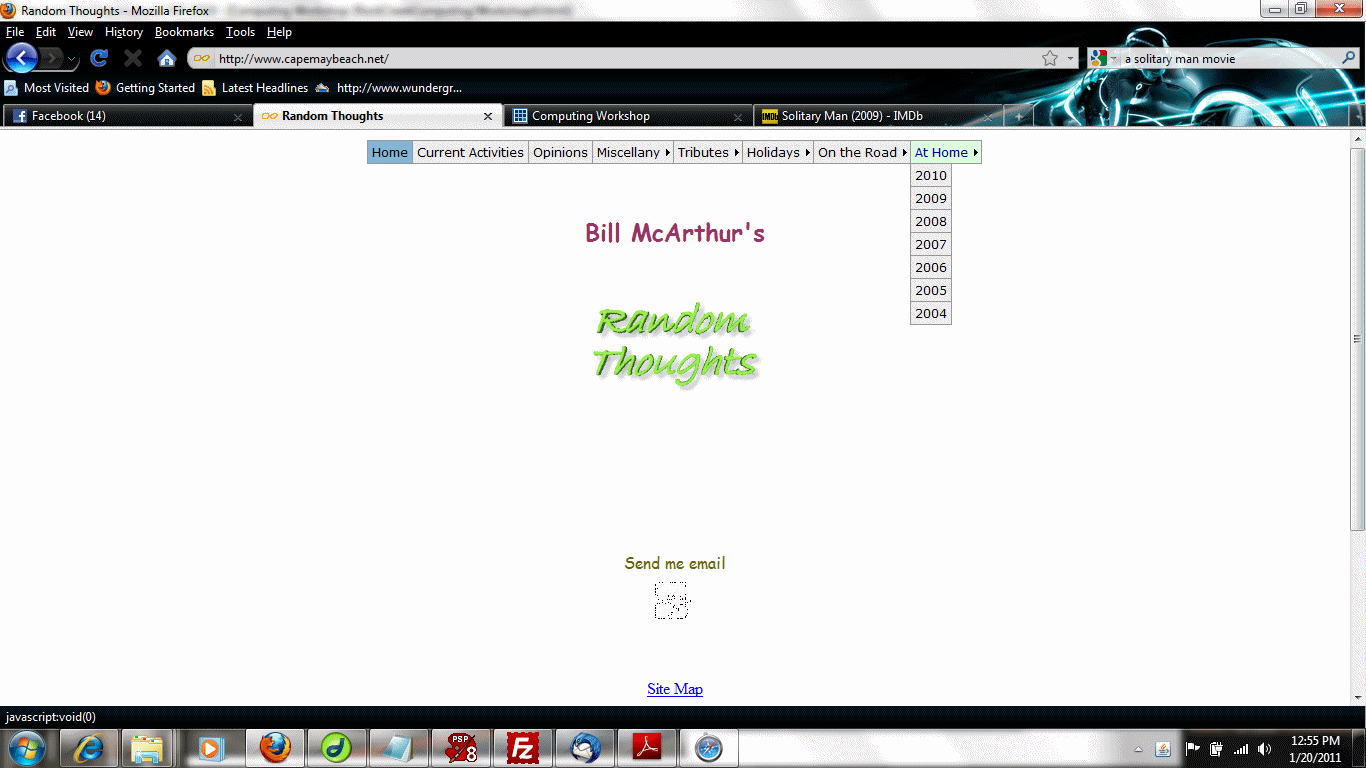
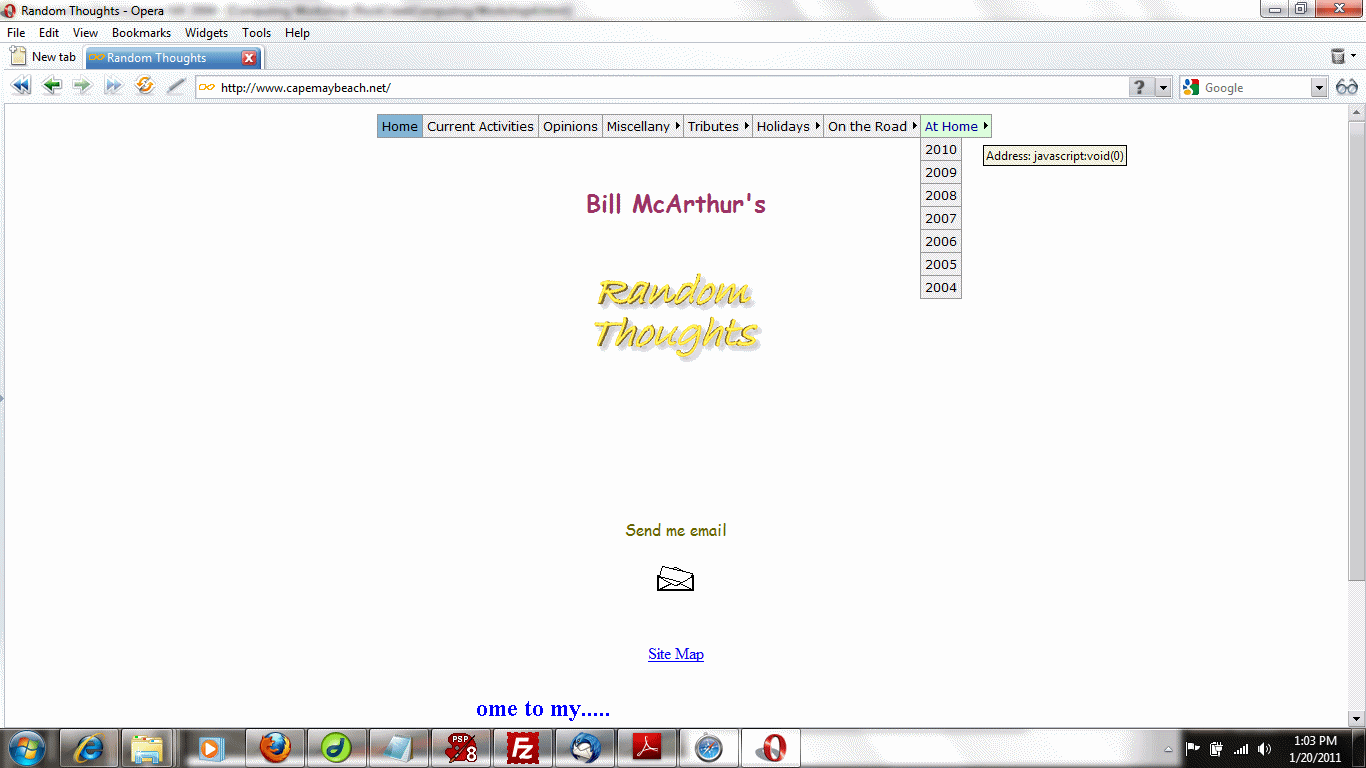
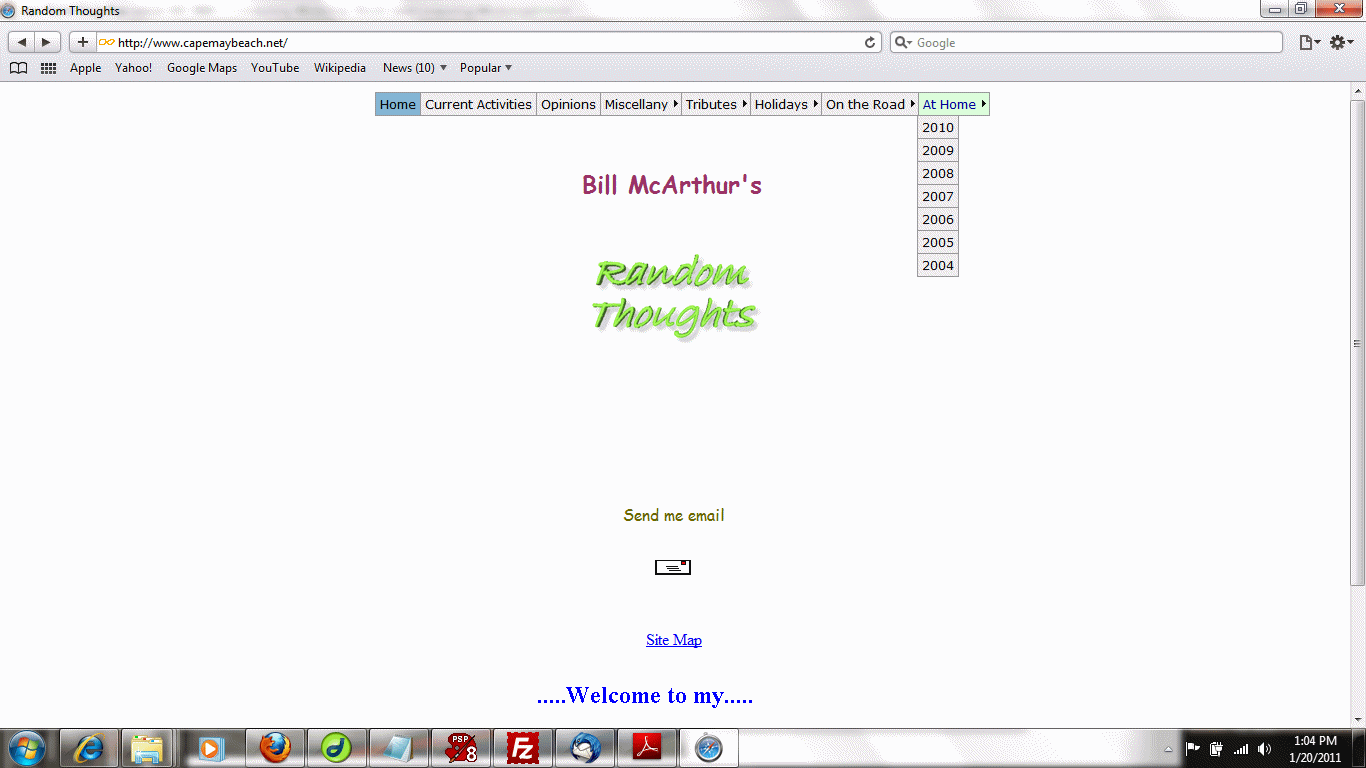
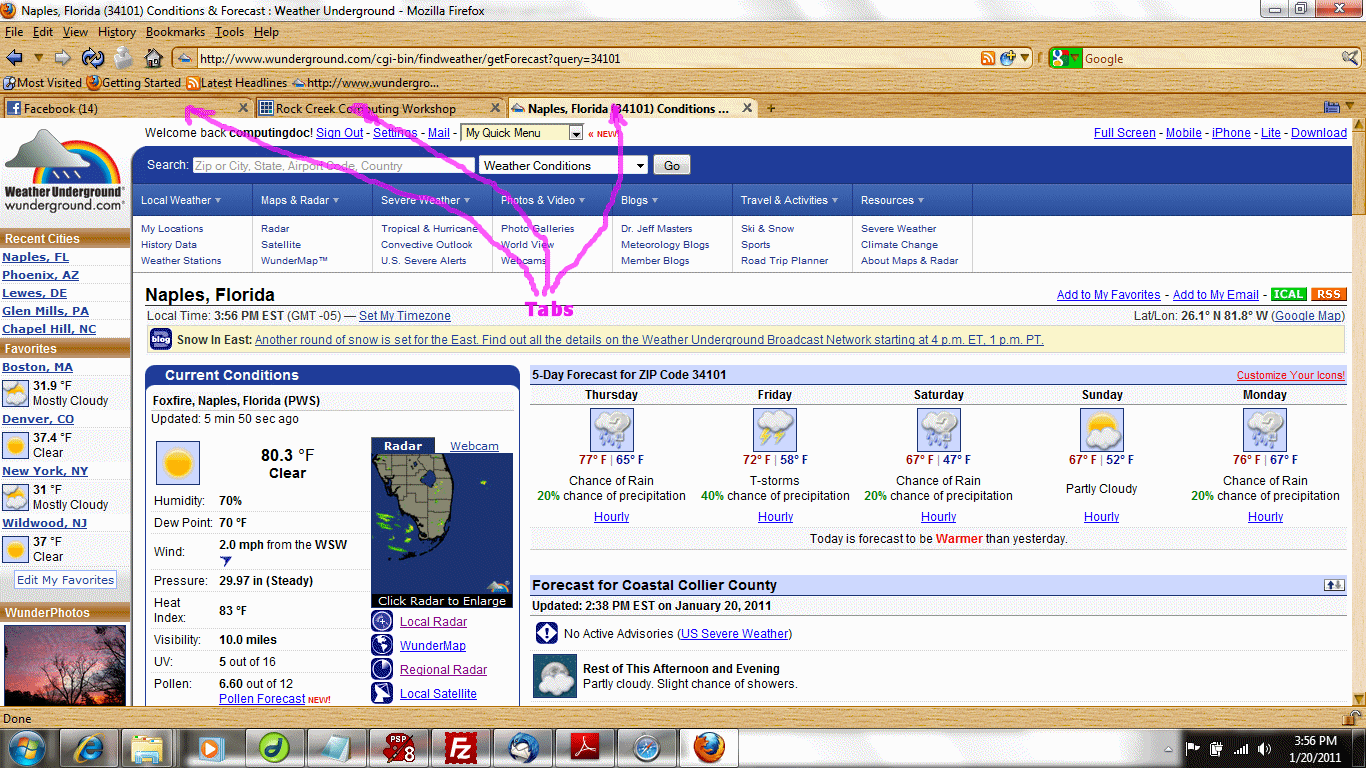
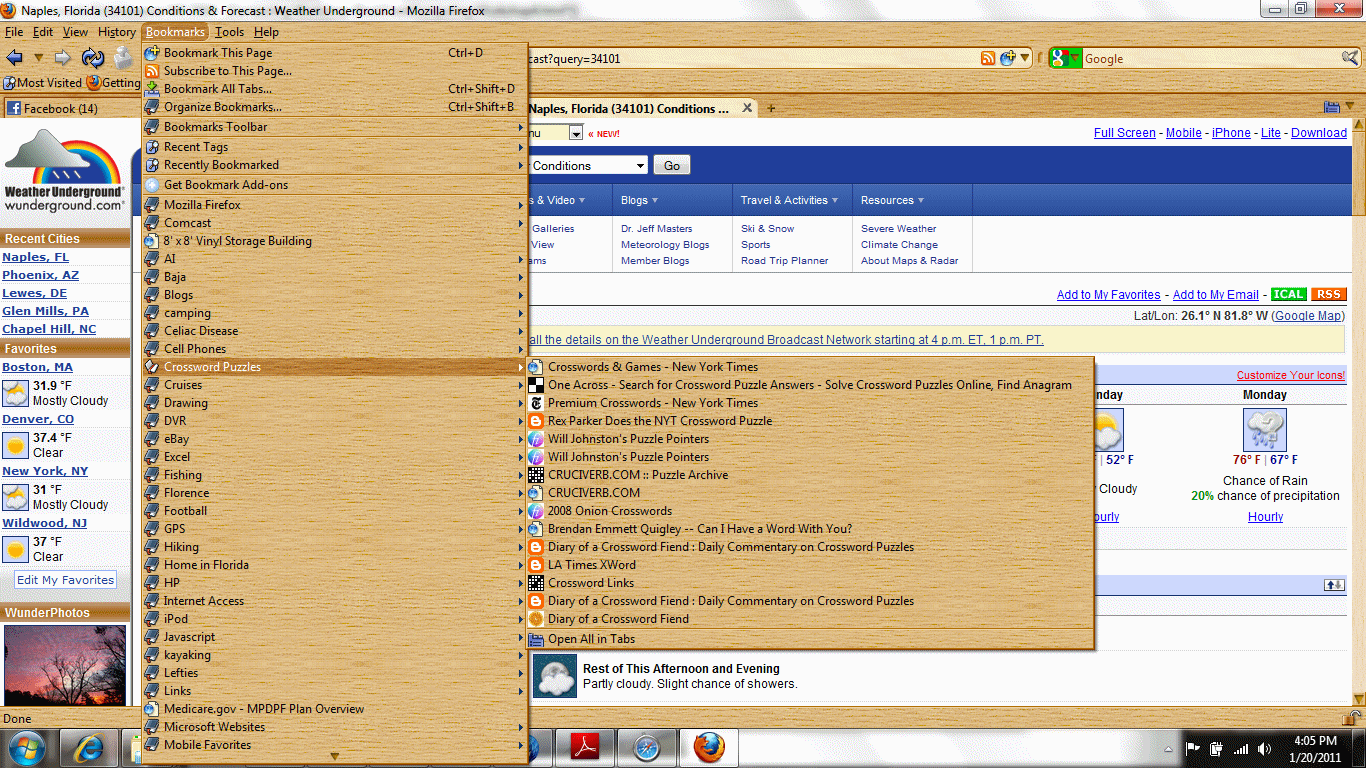
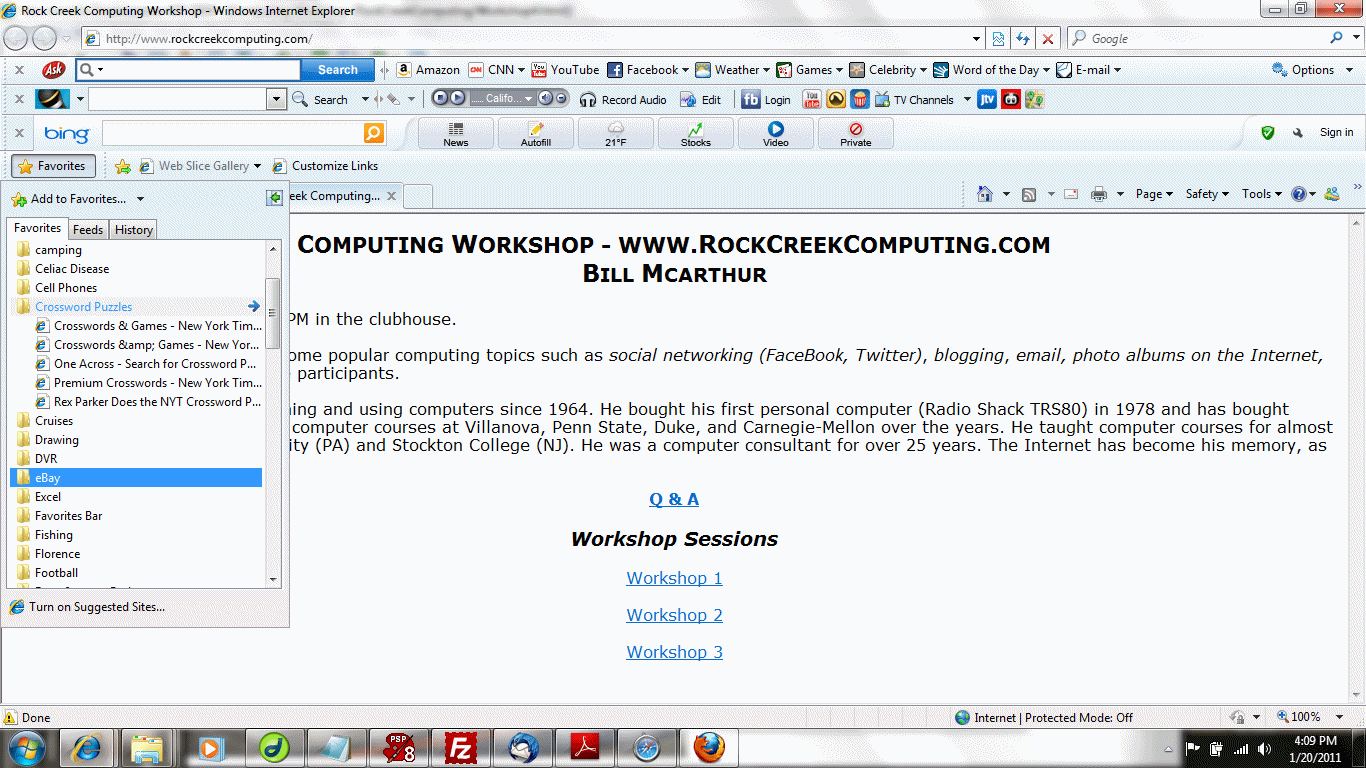
You can get your browser to remember web pages by using "bookmarks", sometimes called "favorites." When you are viewing a particular web page, you can "bookmark" the page. Later, you can go to your list of bookmarks or favorites to restore that web page. Click here for a look at some of my bookmarks in Mozilla Firefox. Click here for a look at some of my favorites in Internet Explorer.
Topic 3:
Topic 4:
Effective searching is an art learned through practice. For example, suppose I'm interested in knowing when Angelina Jolie was born. I would Google,
The use of quotes groups words for more specific searching. One of the modern ages most egotistical things to do is to Google oneself. For me, this is a problem because of the astronaut Bill McArthur, who is a bit more famous than I am. I can find out about myself by Googling
When I did that while composing this handout, I discovered that my resume needs some touching up (which I did). Here's a very bizarre thing: try Googling "formal invitation" (without the quotes). At the time that I prepared this handout, the search produced a photo of an invitation to our 40th Anniversary Party, organized as a surprise by our kids.
http://www.wunderground.com/radar/radblast.asp?ID=AMX®ion=d5&lat=26.14519&lon=-81.77000&label=Naples%2c%20FL
This particular address has the latitude and longitude of one of our previous campsites in Rock Creek so that we can view real-time radar to see how close we are to dangerous T-storm cells. The "?" separates the name of the web page from the parameters, which are separated by "&". Each parameter is a name/value pair such as "lat=26.14519". Any punctuation in the parameter values is given an ASCII code representation prefixed by "%". For example, a comma is represented as "%2c" and a space as "%20". Here is an ASCII chart. The codes in the parameters can be found in the "Hx" (hexadecimal) column of the table.
Topic 6:
http://www.rockcreekcomputing.com/QuestionsAndAnswers.html#query
In this page, the anchor "query" is used to quickly skip to the form at the bottom of an ever-growing page.
Topic 7:
<html>
<head>
<title>A Simple Web Page</title>
</head>
<body>
This is a very simple web page isn't it?
</body>
</html>
You can view this web page here. HTML has been generalized into XML (Extended Markup Language) which is the underlying form of many computer documents.